In combination with the curriculum below, Interland has been awarded the Seal of Alignment by the International Society for Technology in Education.
Interland
Interland is an adventure-packed online game that makes learning about digital safety and citizenship interactive and fun—just like the Internet itself. In this game, kids team up with their fellow Internauts to tackle mischievous hackers, phishers, oversharers, and bullies while practising the skills they need to be good digital citizens
In combination with the curriculum below, Interland has been awarded the Seal of Alignment by the International Society for Technology in Education.
Be Internet
Awesome
Curriculum
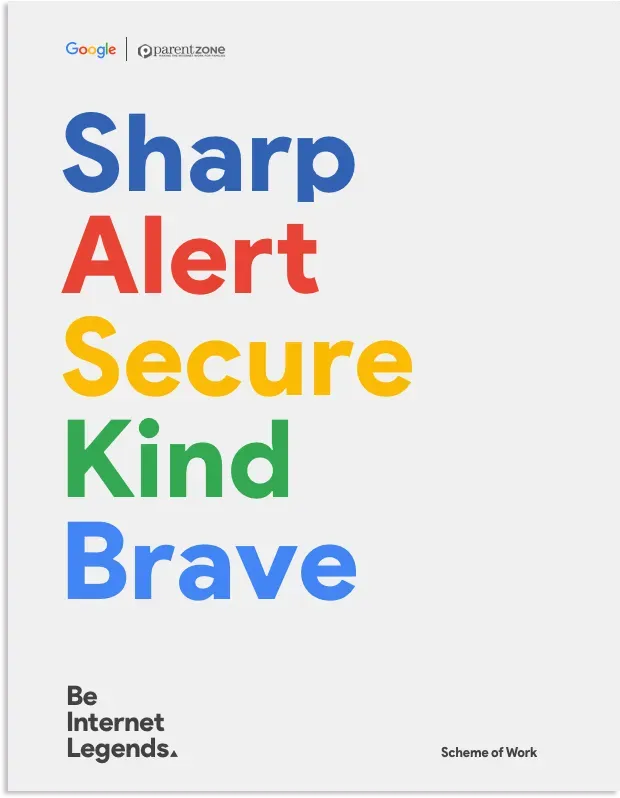
The Be Internet Awesome curriculum gives educators the tools and methods they need to teach digital safety fundamentals. The materials developed by Google enable educators to bring the most critical teachings—and the excitement of Interland—into the classroom.
Included in the curriculum are lesson plans for the five topics, with activities and worksheets that were designed to complement Interland.
This work is licensed under a Creative Commons Attribution 4.0 International License.
All elements of Be Internet Awesome:
AI Literacy Guide
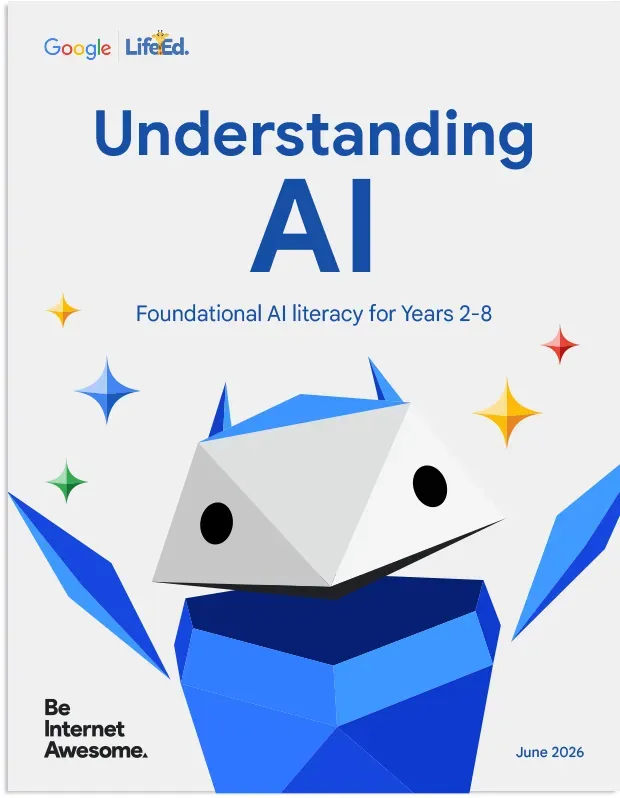
The Be Internet Awesome AI Literacy Guide is a supplementary curriculum for educators to teach students in Years 2-8 the fundamental principles of artificial intelligence literacy. It includes lesson plans and activities that make topics like machine learning, data and algorithms easy for students to understand, helping them become more informed and responsible digital citizens.
5 quick tips for each pillar of our Internet Code of Awesome to help you be safe, smart and positive online
Download and print a colourful daily reminder of 5 foundational lessons of online safety from our Internauts.
DOWNLOAD
Teachers looking to teach digital literacy skills to students of all ages can try the new Google for Education Digital Citizenship and Safety module, available globally.
VISIT TEACHER CENTER
You can show off your Internet awesomeness with an official certificate!
DOWNLOAD
Internauts step off the screen and into real life with this fun, hands-on paper activity.
DOWNLOAD
Solve real-world problems with interactive, code-free quests in this game-based learning experience for 11-14-year-olds, inspired by Google Research projects.
Teaching responsible use of AI Resources
Google For Education
Make a copy to edit
Teaching responsible use of AI Resourc es
Google For Education
Make a copy to edit
Teaching responsible use of AI Resources
Google For Education
⠀⠀
Teaching responsible use of AI Resources
Google For Education
⠀⠀
Make a copy to edit
Teaching responsible use of AI Resources
Google For Education